Thermal inkjet printers.
For your packaging.
Compare inline TIJ printers for date, batch and barcode coding. Choose a controller, 0.5-inch or 1-inch printheads and the ink for your packaging material.
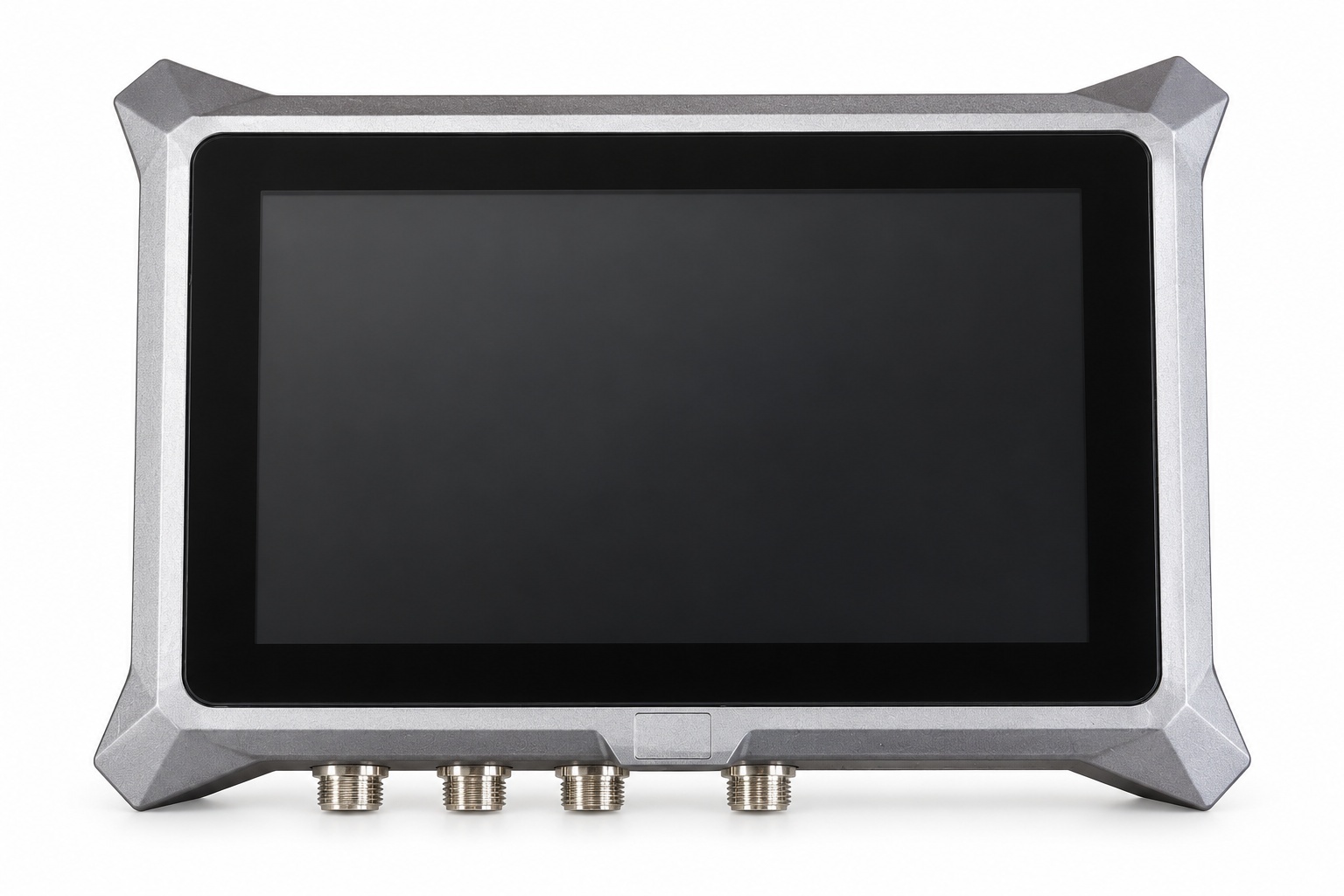
CH-T07C
Compact control for 0.5-inch and 1-inch head setups.
Find your controller.
Then refine the configuration.
CH-T07C ↗
From US$406
Compact control for inline coding.
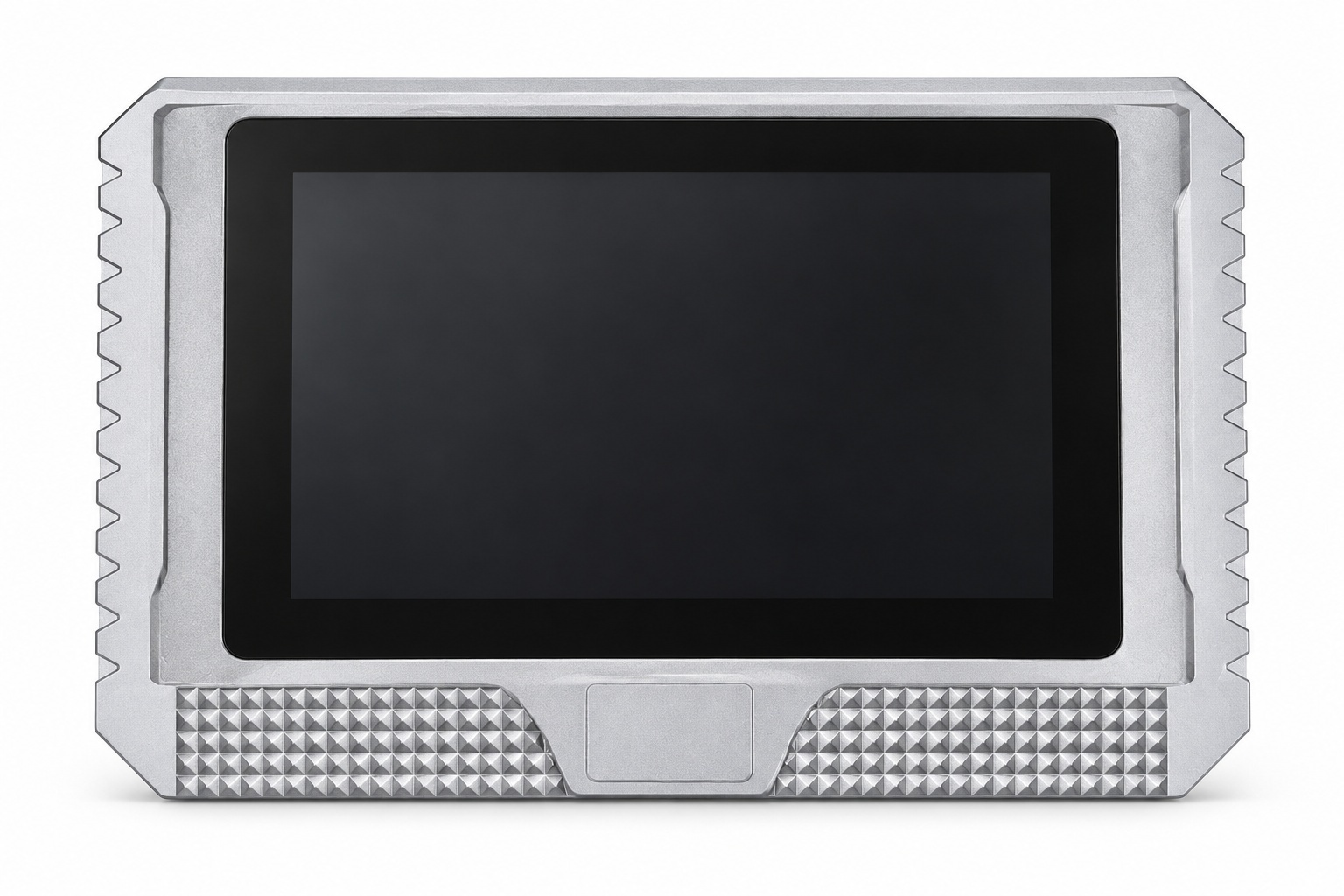
CH-T07H8 ↗
From US$546
A flexible platform for multi-head setups.
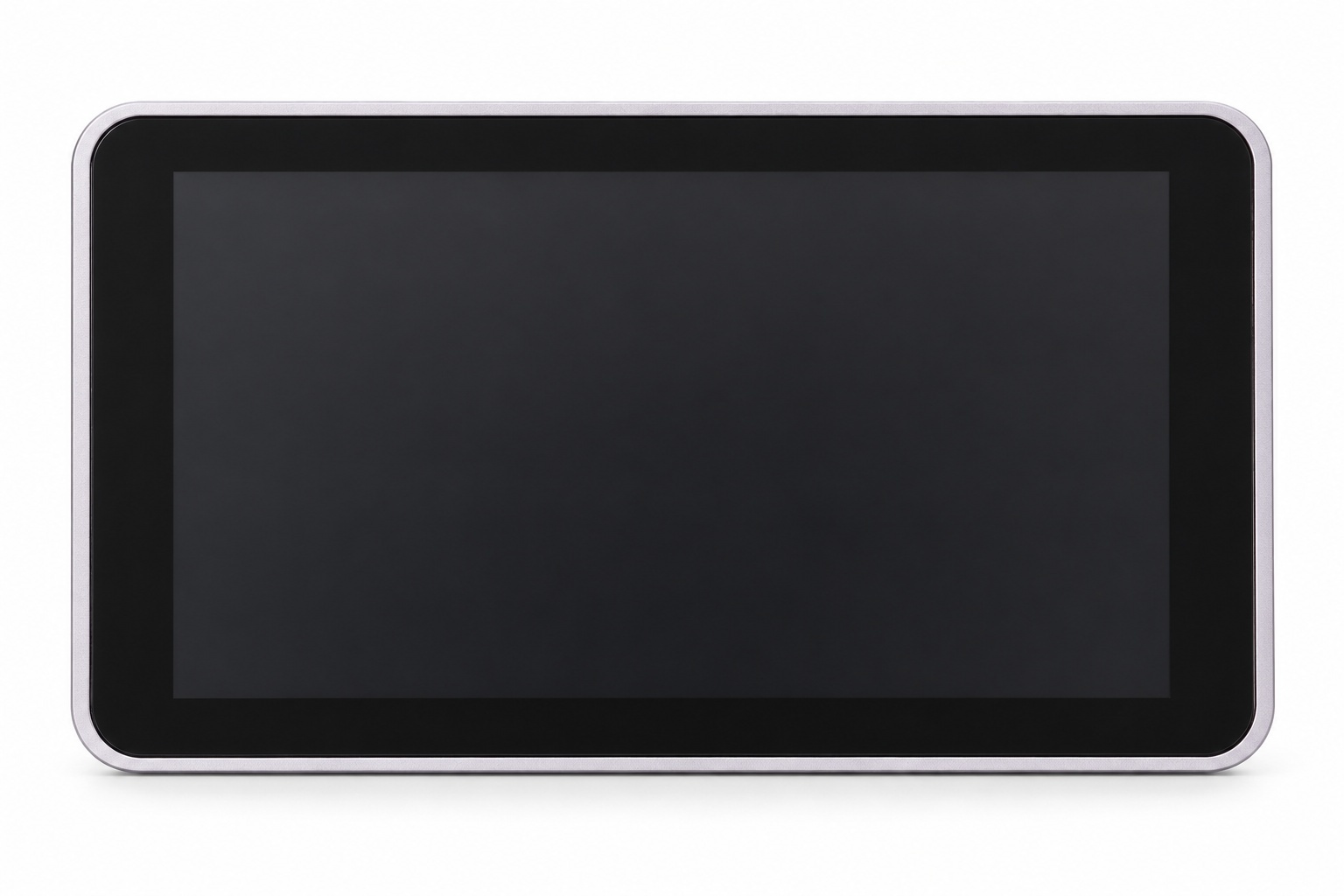
CH-T10H8 ↗
From US$700
More room to manage your print setup.
Configurations and included items vary. Confirm printhead width, count, ink and accessories for the intended application.
The surface matters.
So does the setup.
Bring your packaging material, code sample, desired print size, line conditions and destination country. These details help identify the configuration that needs testing.
Prepare a configuration inquiry ↗Coated or uncoated carton, film, rigid packaging or another surface.
Date and lot codes, text, barcode type, print height and contrast.
Line speed, available print gap, mounting space and encoder requirements.
Know the configuration.
Know what comes with it.
Questions to answer before ordering
Compare head width, head count, ink choice and included accessories.
Read the selection guide ↗REAL EQUIPMENT DETAILSA closer look at controller interfaces
Review an original CH-T10H8 interface photograph and the catalog connection list.
View the details ↗